
--/----:-- EST
Active
SSC Mod Menu
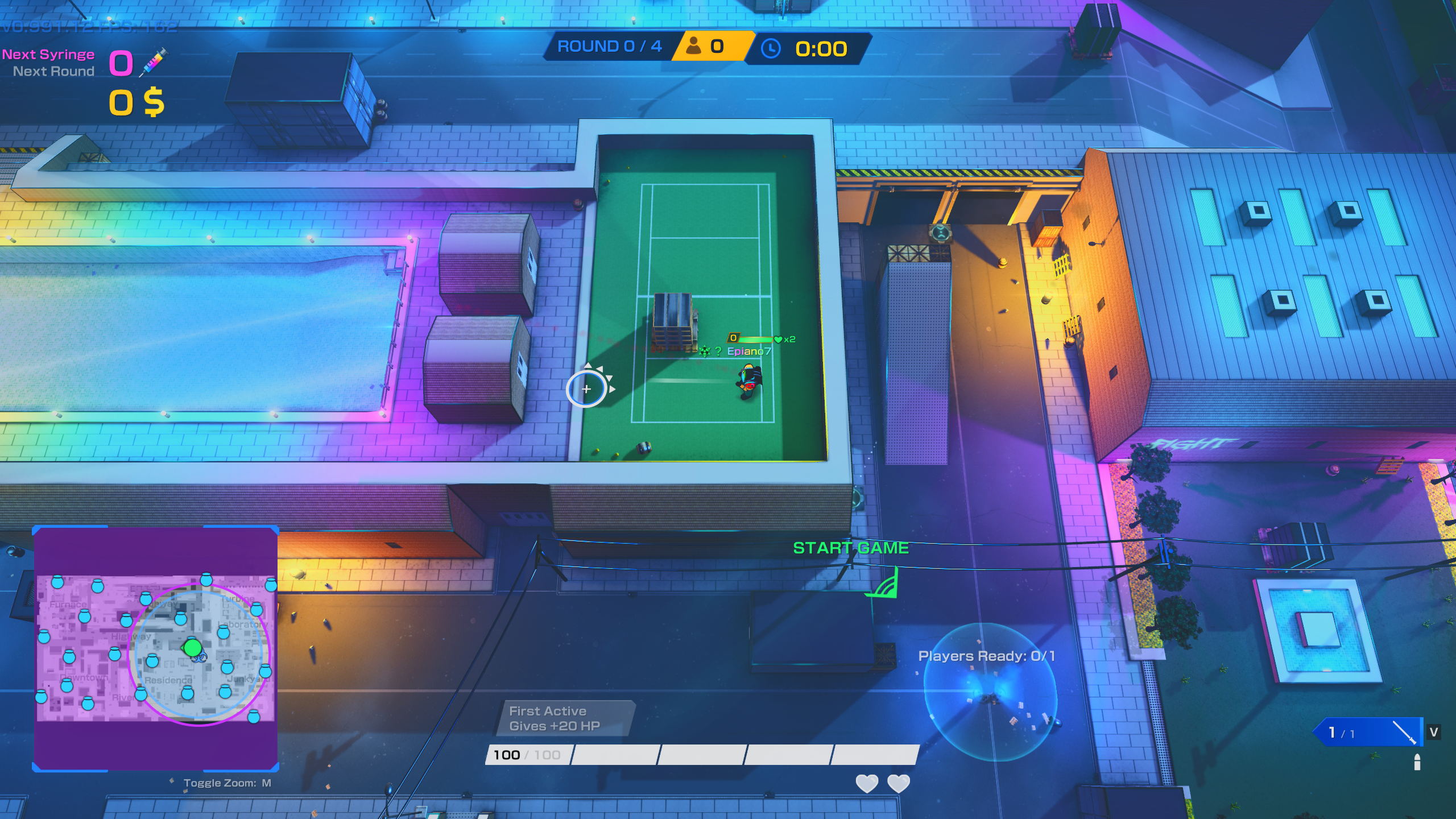
I built SSC Mod Menu to put my Skillshot City customization and utility tools in one place. It is an unofficial client-side mod, with a Windows installer and experimental Linux support through Steam Proton.
What I use it for
Getting started
For Windows, download the installer from my GitHub releases and select your Skillshot City Steam folder. Launch the game through Steam, then press Right Shift to open the menu. I keep detailed instructions and troubleshooting information in the README so there is one maintained place to check.
Linux support is experimental. The installer has been tested on Arch Linux with regular Steam and Proton Experimental; not every feature or distribution is verified. The native Linux game is not supported by this installer. Read the Linux instructions before installing.
Camera tools and their limits
Freecam offers normal-angle panning and an experimental 3D view, with movement controls, adjustable draw distance and optional HUD hiding. Offline photo controls can freeze the simulation. Alive multiplayer freecam is blocked; networked use requires a dead player or spectator. Unusual angles can expose scenery that was not built to be viewed that way.
Recent maintenance
On October 26, 2026, I released v0.1.27 to update compatibility with the latest Skillshot City build. The October 24 and October 23 releases also addressed game-build compatibility. Game updates can require a new mod release, so check the release history for current support rather than assuming an old installer will still work.
Support and privacy
Recordings and diagnostic files stay on your PC. If something fails, use All Modules > About > Open logs, then contact me or open a GitHub issue. Review logs and crash dumps before sharing them: dumps can contain process data.
This is an unofficial fan project. Skillshot City belongs to its developer; my mod is not the game itself. My README includes credits, platform limits and contribution instructions.